Begin with one real question
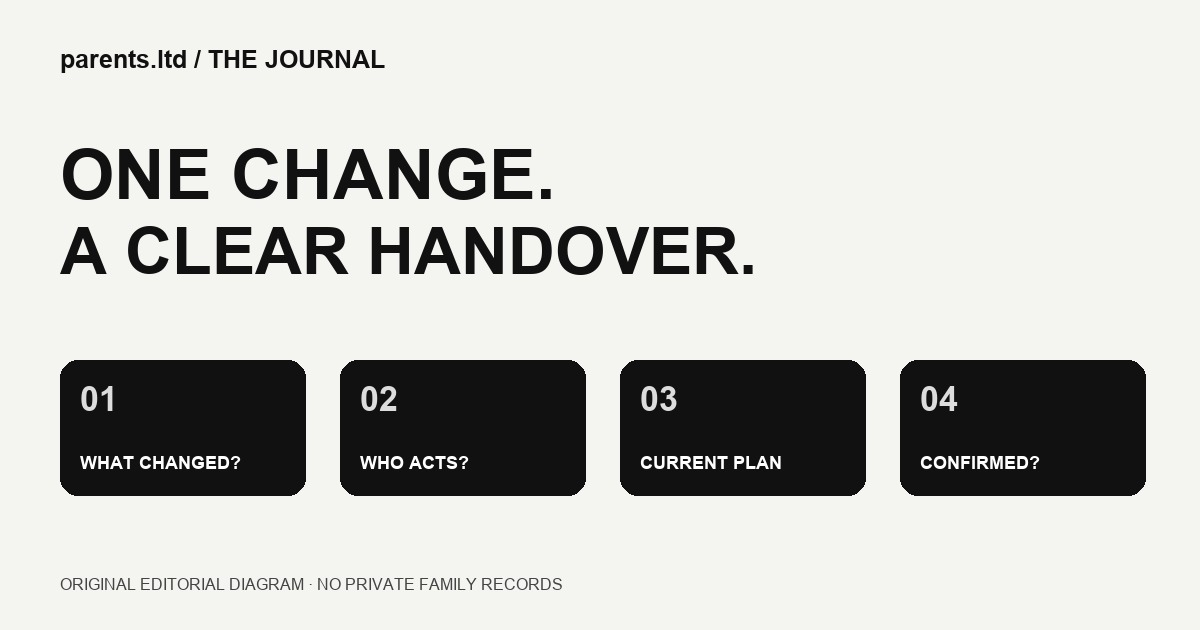
A shared calendar can show the correct time while leaving everyone unsure who is doing what. Before adding another app or reminder, choose one ordinary household change and follow it through. If an activity moves, which person needs to know, which plan changes and who confirms the handover? This article proposes a practical family coordination exercise. It does not describe a tested Parents.ltd app or promise an automated result.
Write down the changed detail
Pick a fictional example first: a weekend activity moves from the morning to the afternoon. Write the new time, location and the person who supplied the update. Keep the example separate from a real child’s identifying information. A short, specific description is easier to check than a message that says only “plans changed.”
Separate knowing from doing
Receiving a message is not the same as agreeing to act. One person may need to know the new finish time, while another is being asked to handle transport. State the request plainly and check that the person can accept it. If they cannot, the household still has an open decision; a calendar entry should not make that decision appear resolved.
Choose a current place for the plan
Agree where the current instruction lives. That might be an existing calendar, a household note or another tool the people involved already use. The point is not to collect more software. It is to avoid treating three old messages and an edited screenshot as equally current. Put the update date beside a note when the distinction matters.
Check the second reader’s view
Ask another participating adult to explain the revised plan without your help. What changed? What are they responsible for? What remains undecided? This is a check of the information, not a test of the person. If an answer is unclear, improve the instruction and try again with the same example.
Keep the audience small enough
Share only the details needed for the task and check the tool’s actual audience settings. A public link can travel beyond the group that first received it. Do not publish a child’s routine to demonstrate a workflow. This is practical information hygiene, not a claim that a particular product has a security feature or that a family arrangement has been professionally assessed.
Agree a fallback for an unanswered change
Decide what happens if the update is not acknowledged. Perhaps the person making the change calls the agreed contact, or the group keeps the previous arrangement until someone confirms a replacement. Choose a process that fits the household and the commitments involved. Do not assume an unread notification is enough to transfer responsibility.
Review one handover before adding automation
After the exercise, note the step that caused uncertainty. Was the original information incomplete, the audience wrong or the responsibility unclear? That observation gives you a useful question to take to any software provider. It is a more concrete brief than asking an app to “organise the family.”
A small starting checklist
Use five prompts: what changed; when and where; who is being asked to act; where the current plan lives; and how the handover is confirmed. Leave an unanswered item visible. From the IAM perspective, useful digital tools begin with understandable communication. This is original editorial guidance, not a report of a customer result or an available Parents.ltd account feature.